A different theme per page or time
You can give single pages their own theme, or change theme at certain times of day. You don't need this to use RoRetro.
- In the popup, open A different theme per page or time.
- Next to a page (for example Trades), pick a theme. Leave it on Main theme to use the one you picked at the top.
- Under Times of day, press Add a time to use a theme between two times (for example, a classic look every evening).
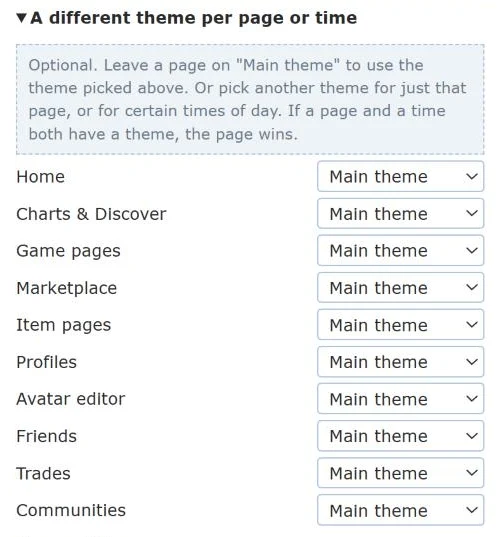
If a page and a time both have a theme, the page wins. Confused? While any of these rules are set, a Use this theme everywhere button shows under Theme. Press it to clear them all.