Pick a classic theme
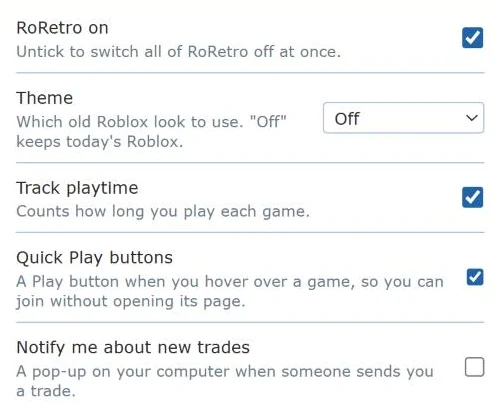
- Click the RoRetro button.
- Find Theme and pick a classic era from the list. Off means today's normal Roblox.
- Go to your Roblox tab and press F5 to refresh it. The whole site now has the classic look.
Something looks half-changed? Refresh the page (F5). That fixes it almost every time.
More eras are being built. You'll see them in the list as soon as they're ready.