Classic Roblox Just a Click Away!
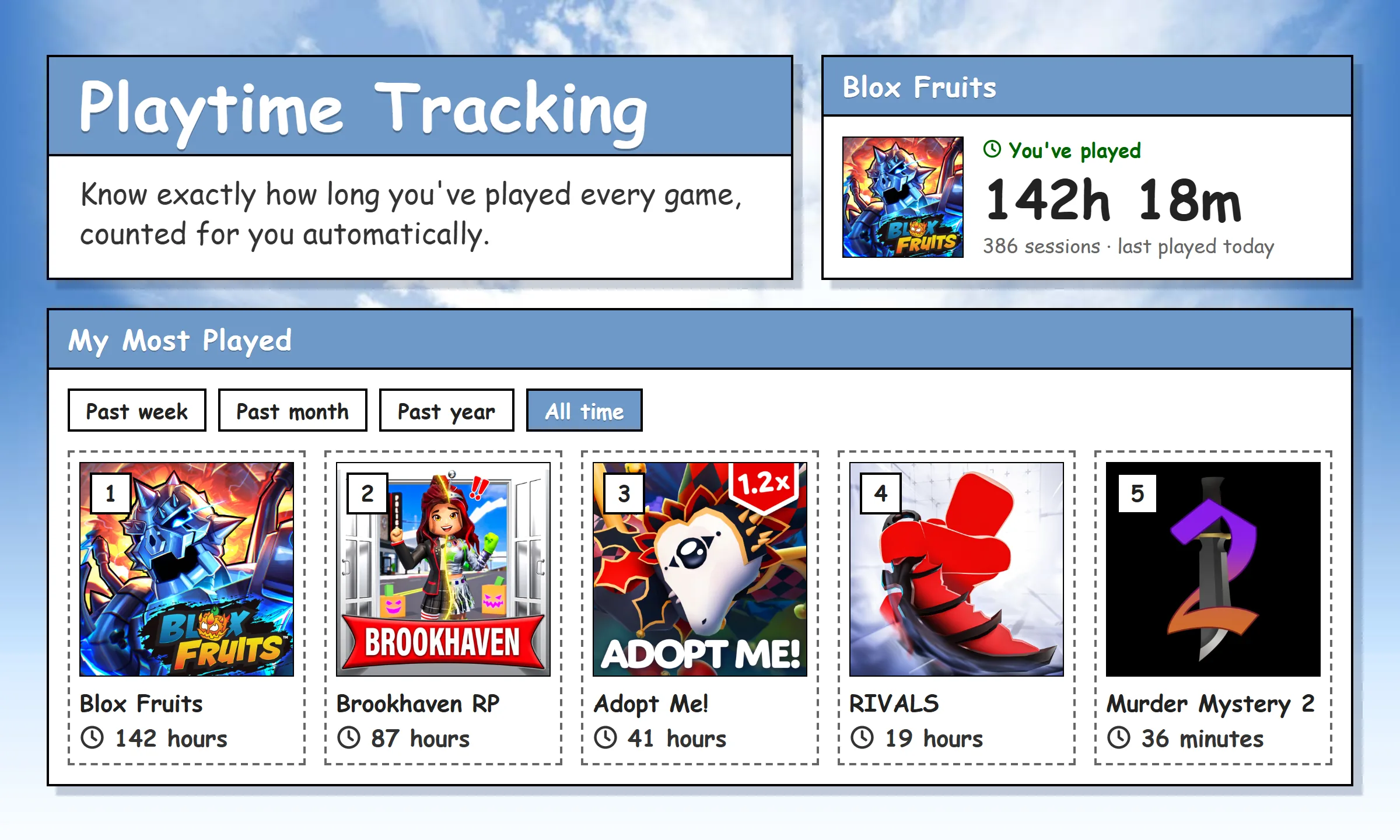
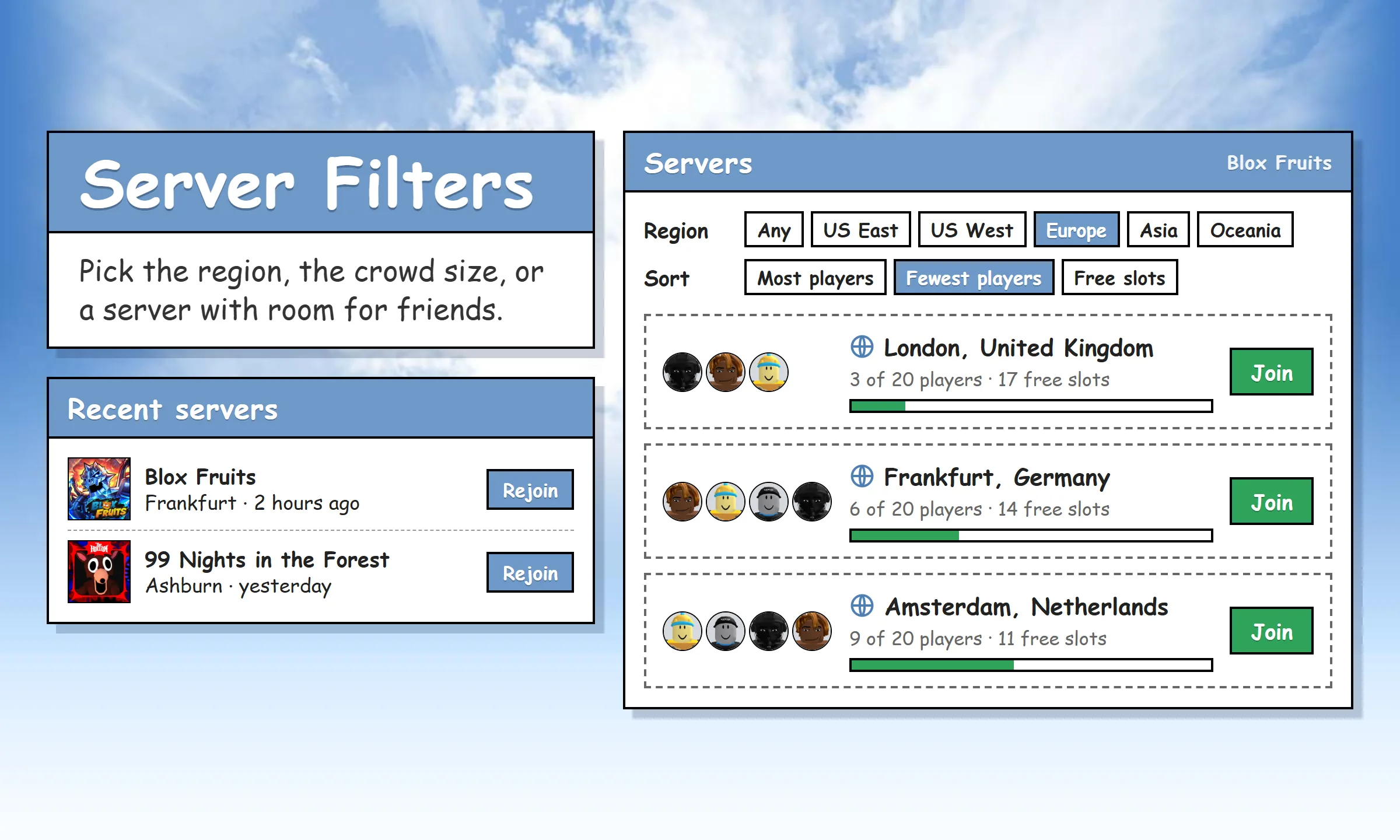
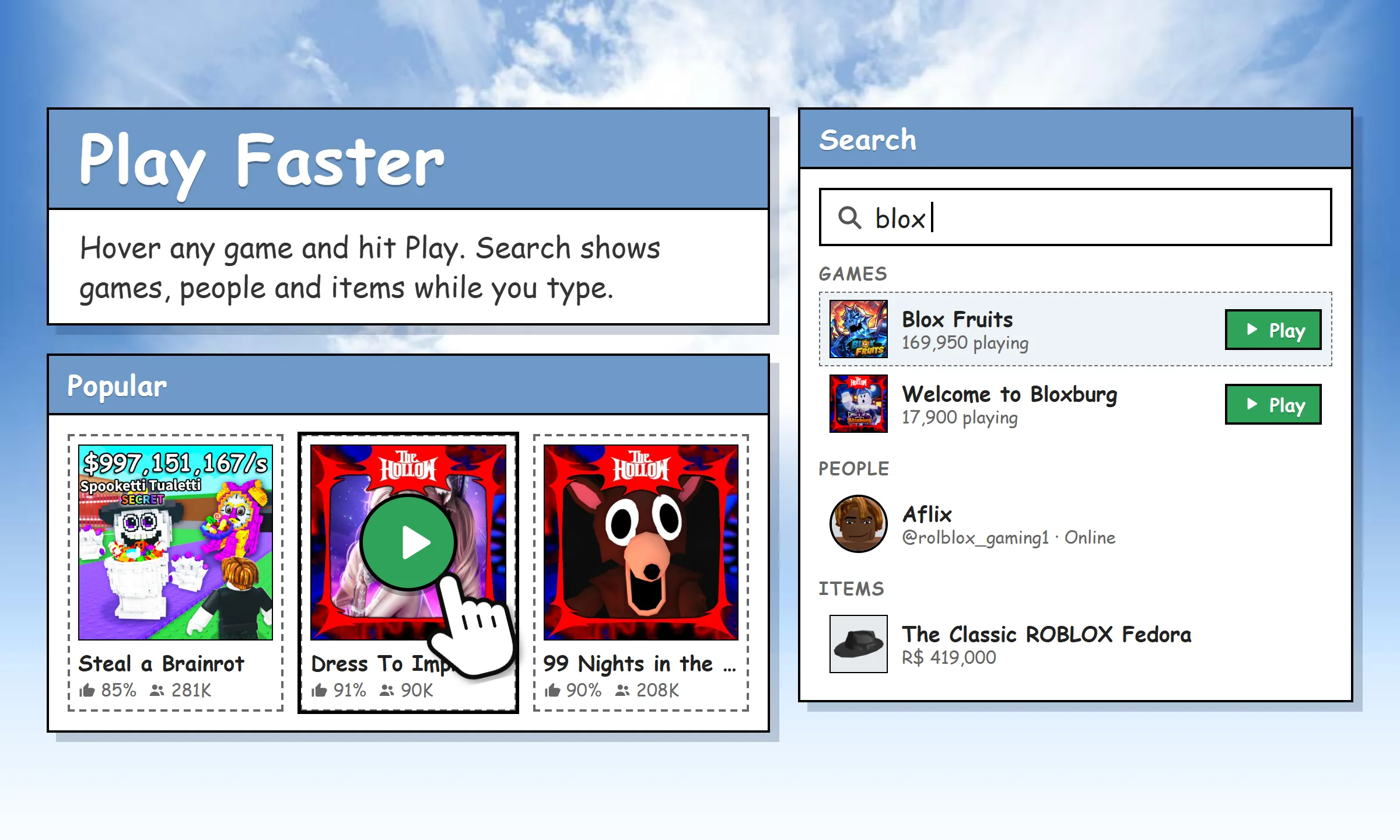
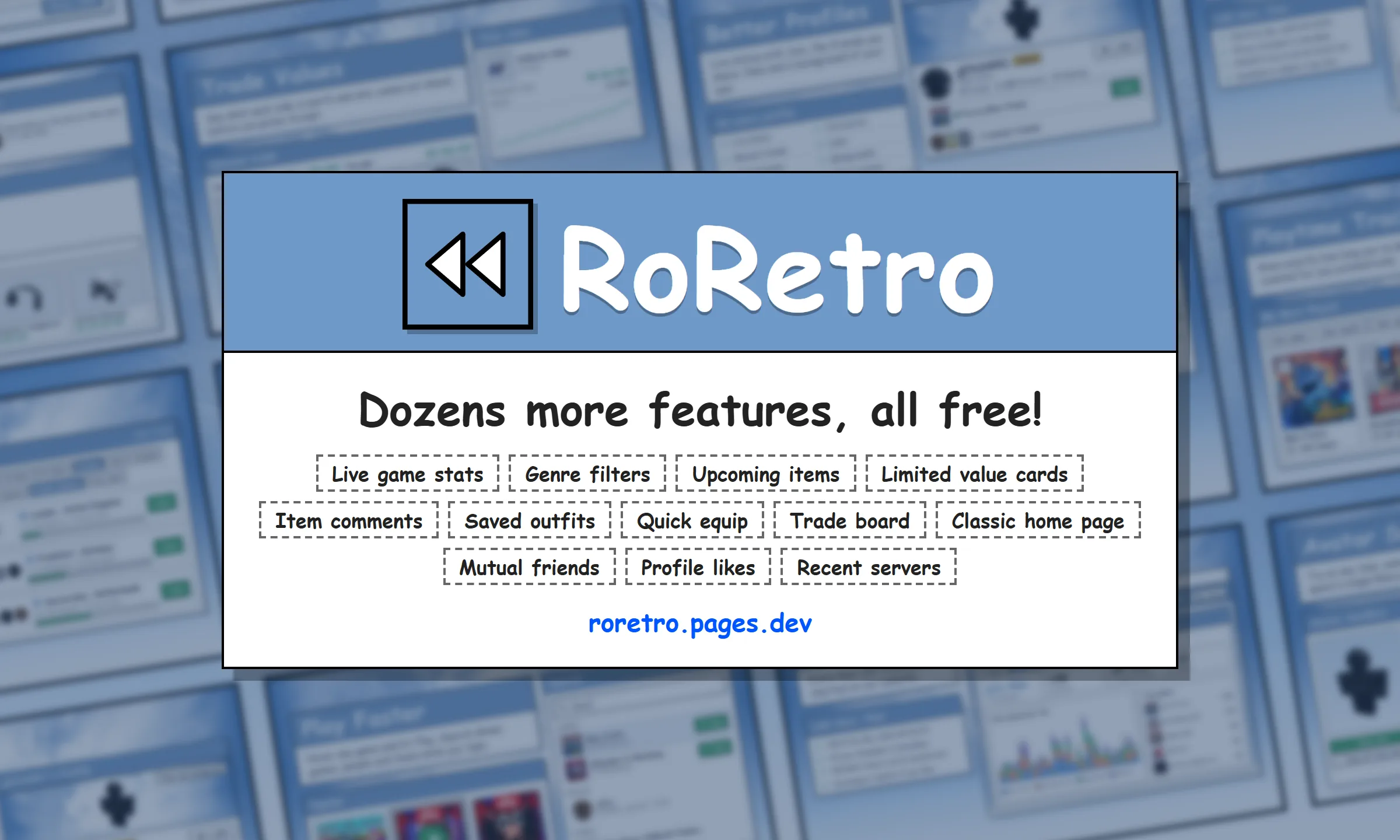
RoRetro is a browser extension that brings back the classic styles you know and love with dream-like accuracy. Choose your own time period with the added bonus of per-game playtime trackers, easy server-finding, and so much more!
What RoRetro can do
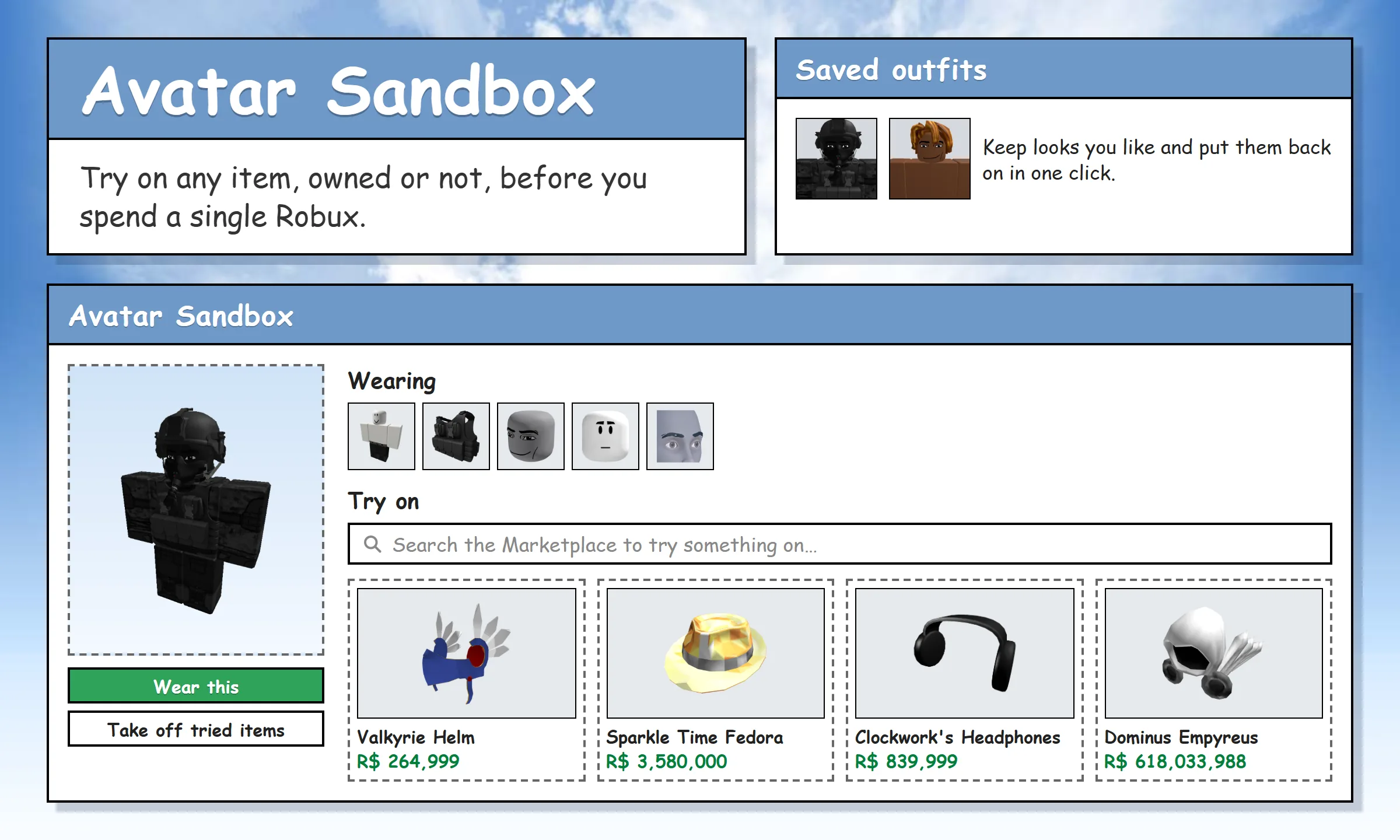
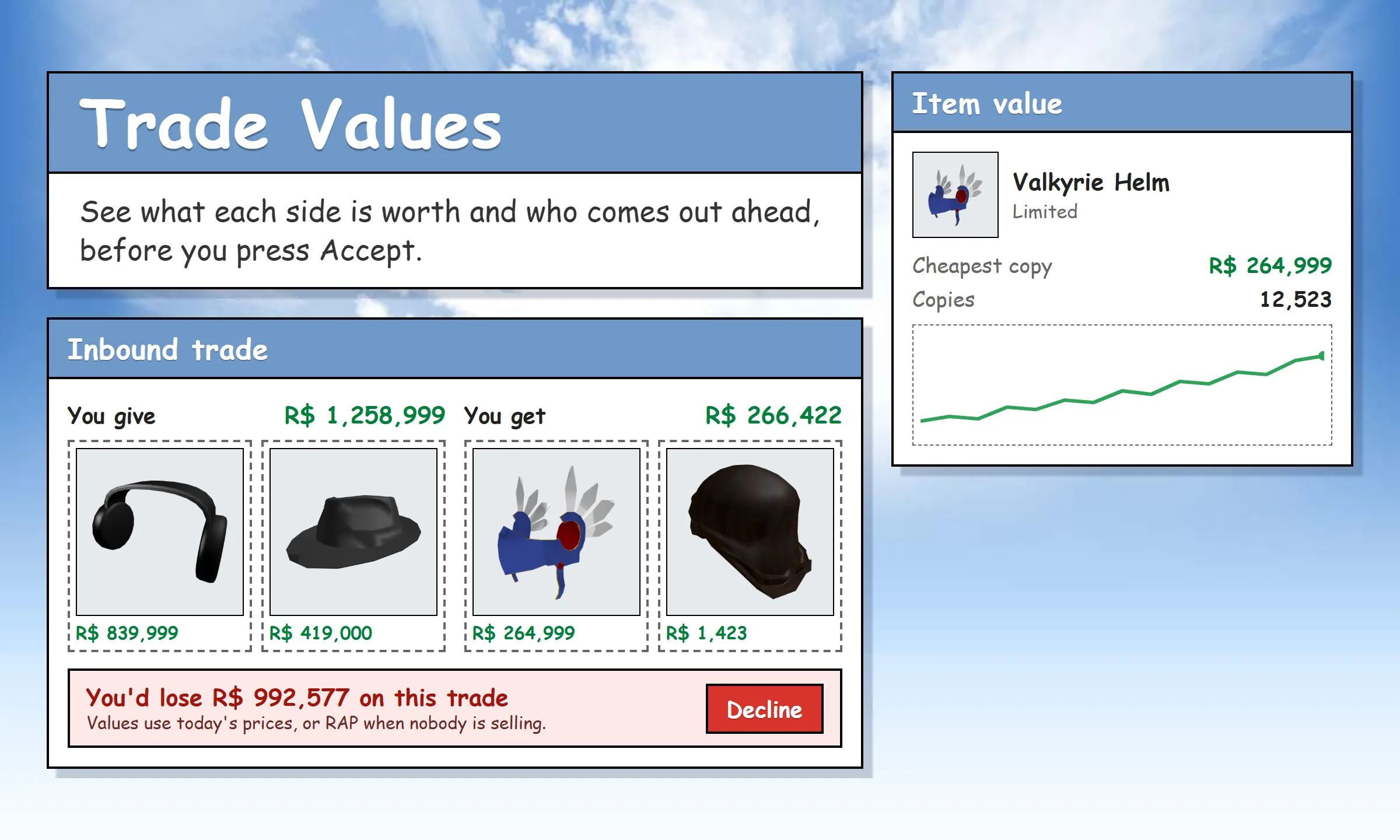
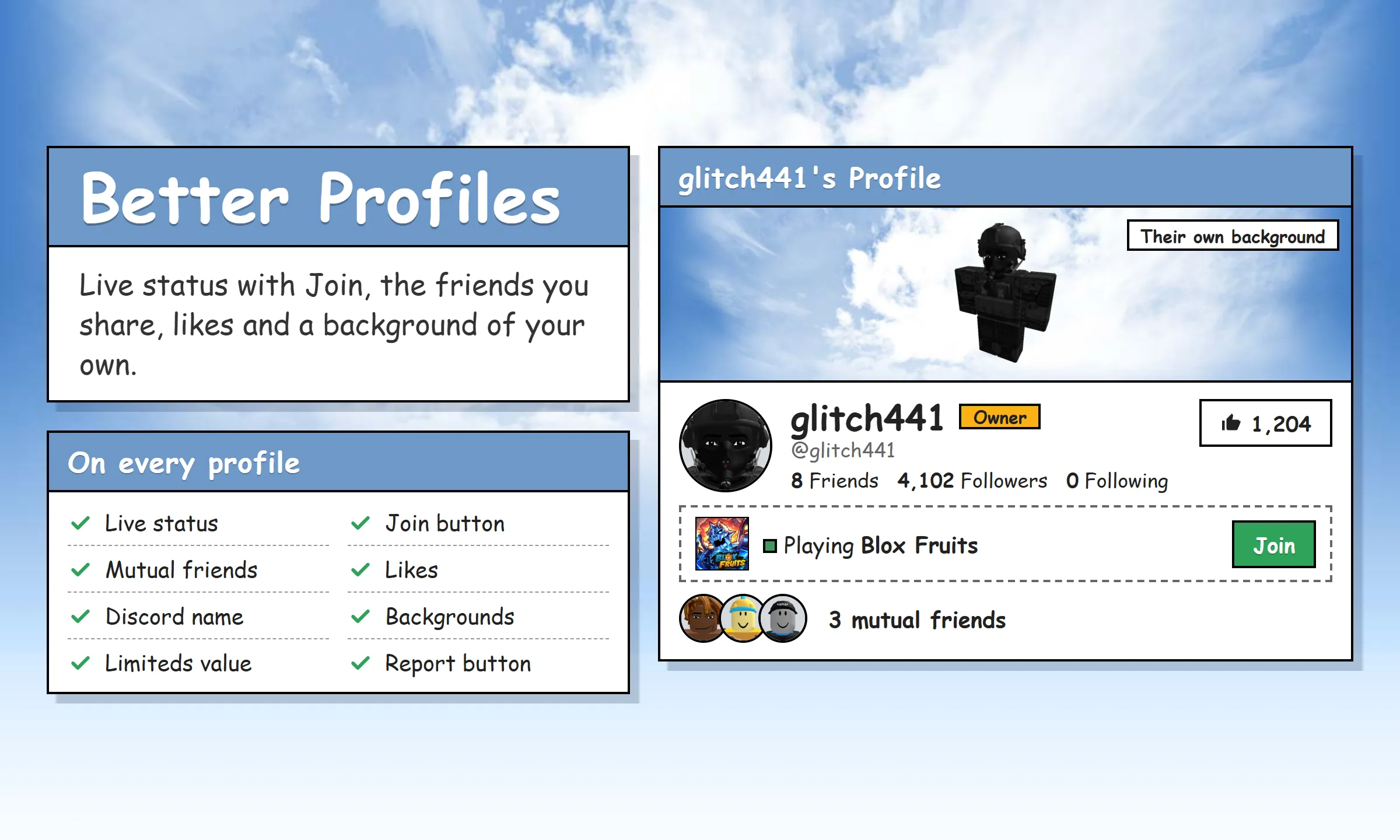
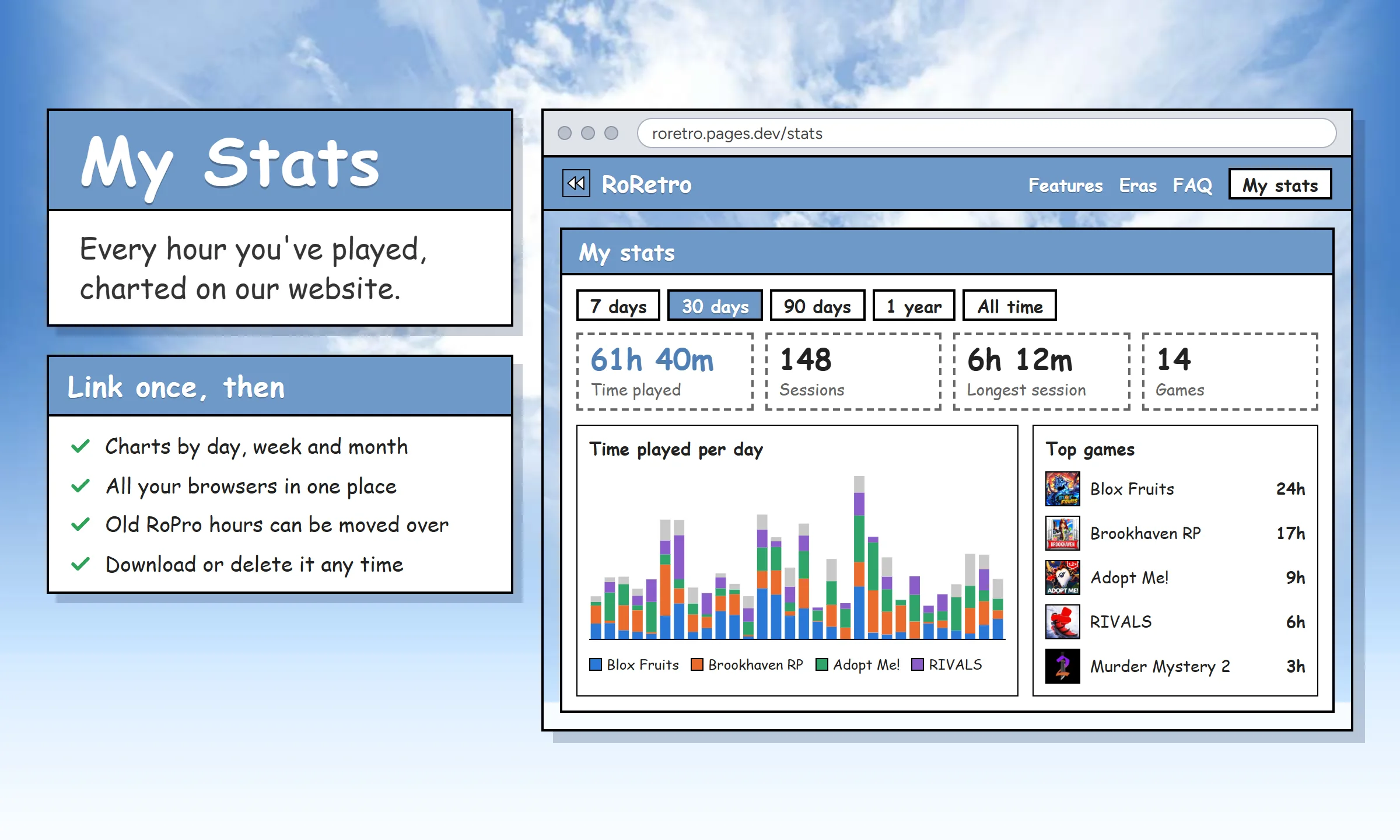
The themes
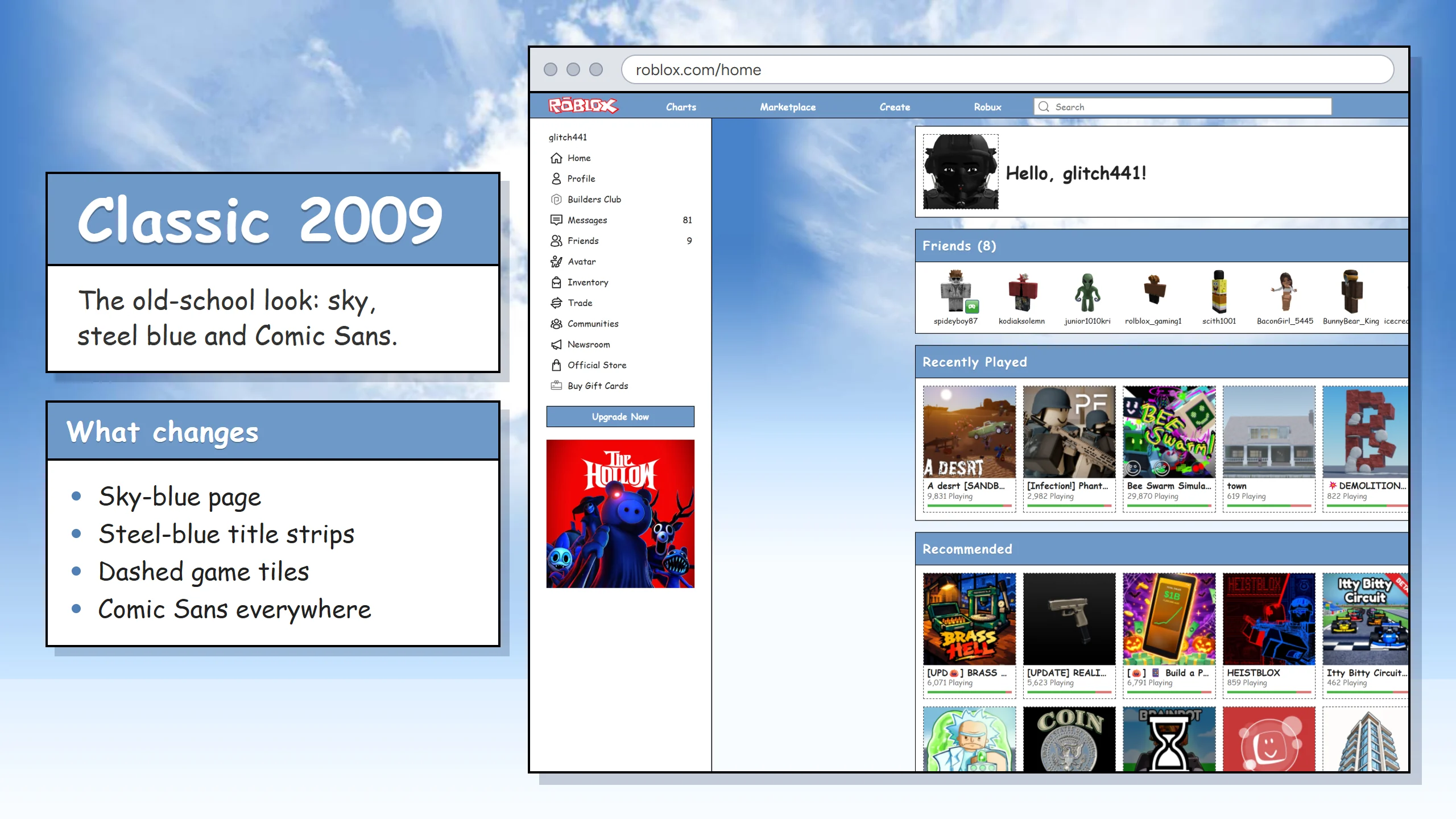
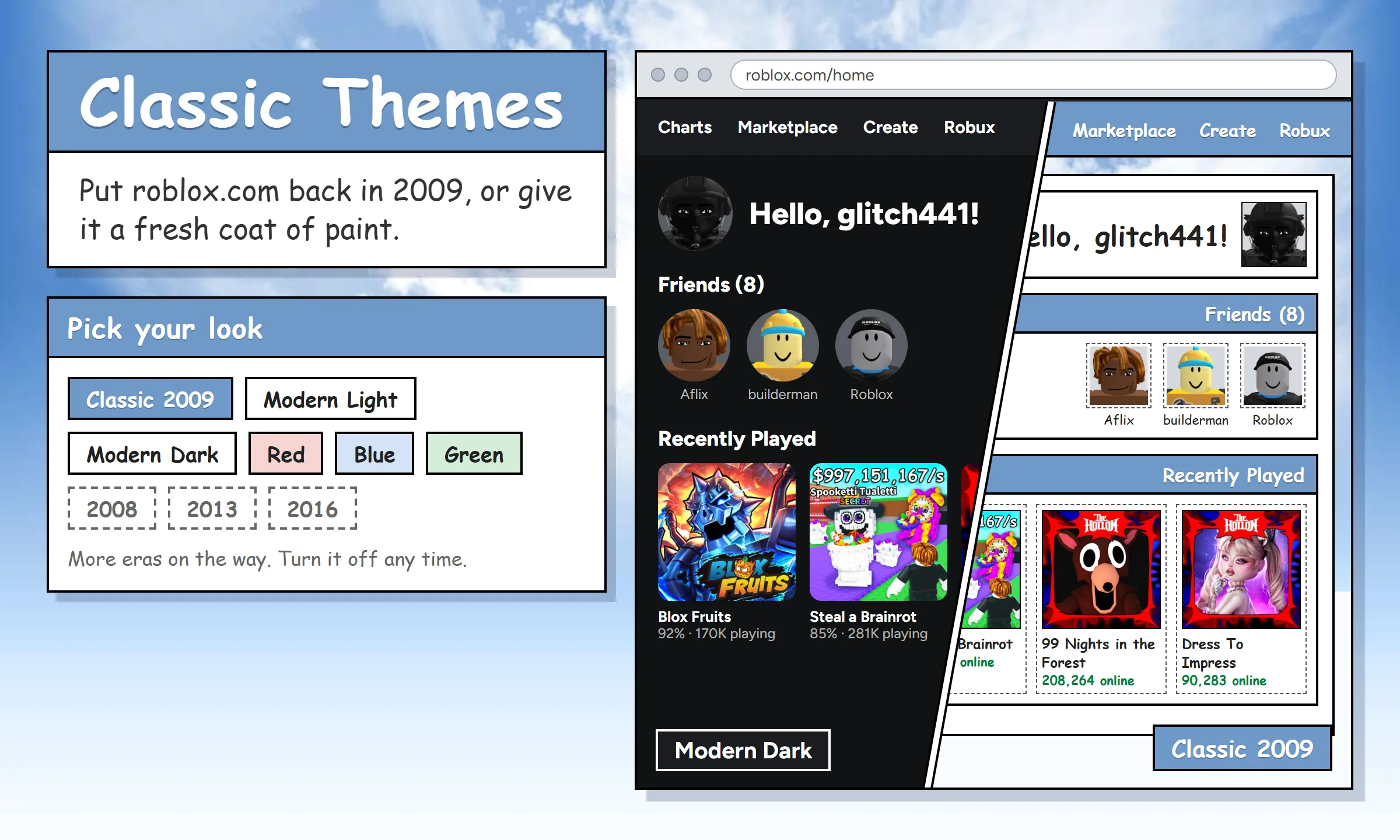
Classic 2009
Steel-blue bars, the sky gradient, dashed tiles and Comic Sans: the old-school look.
Ready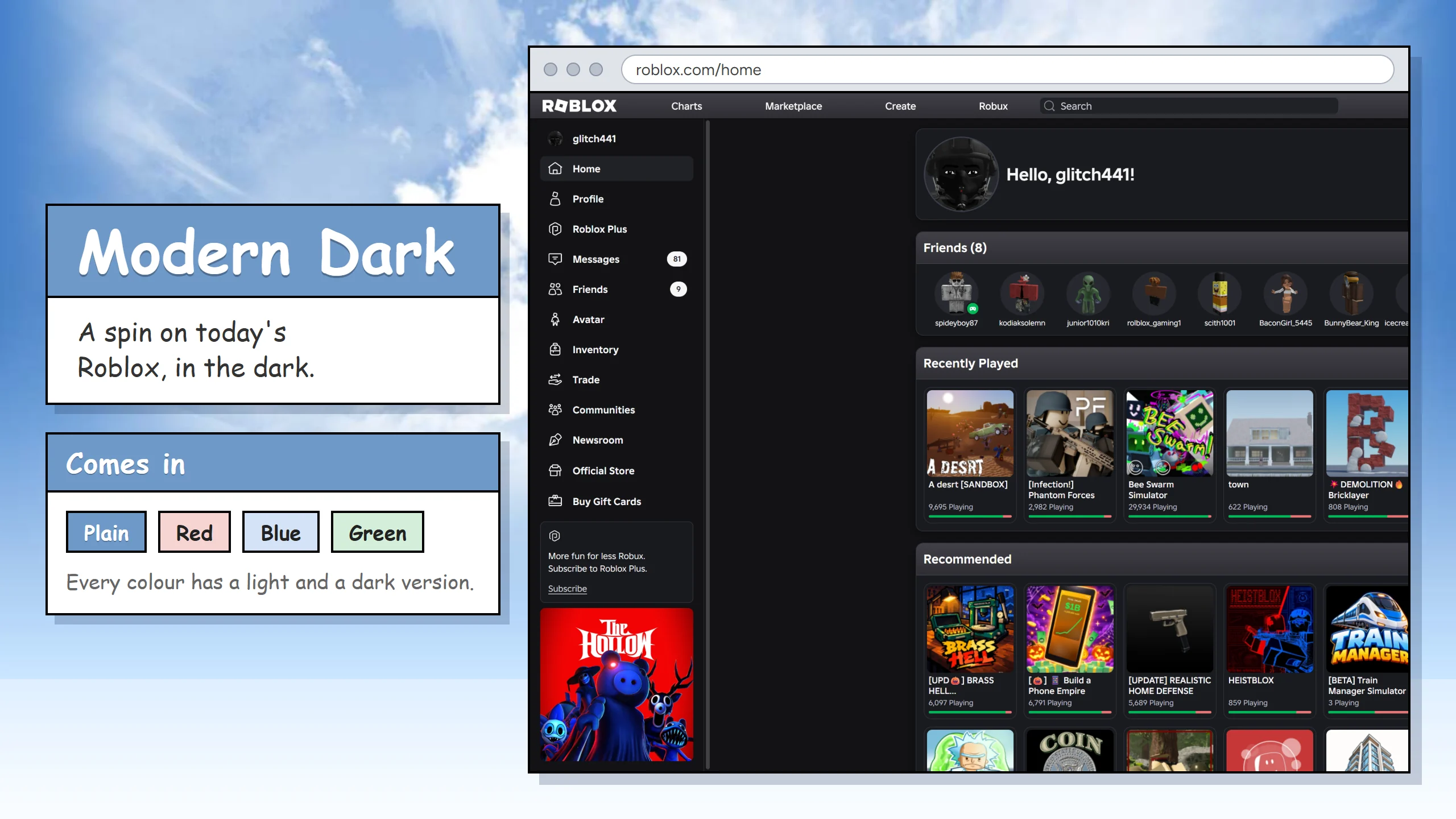
Modern Dark 2026
A spin on modern Roblox the RoRetro style.
Ready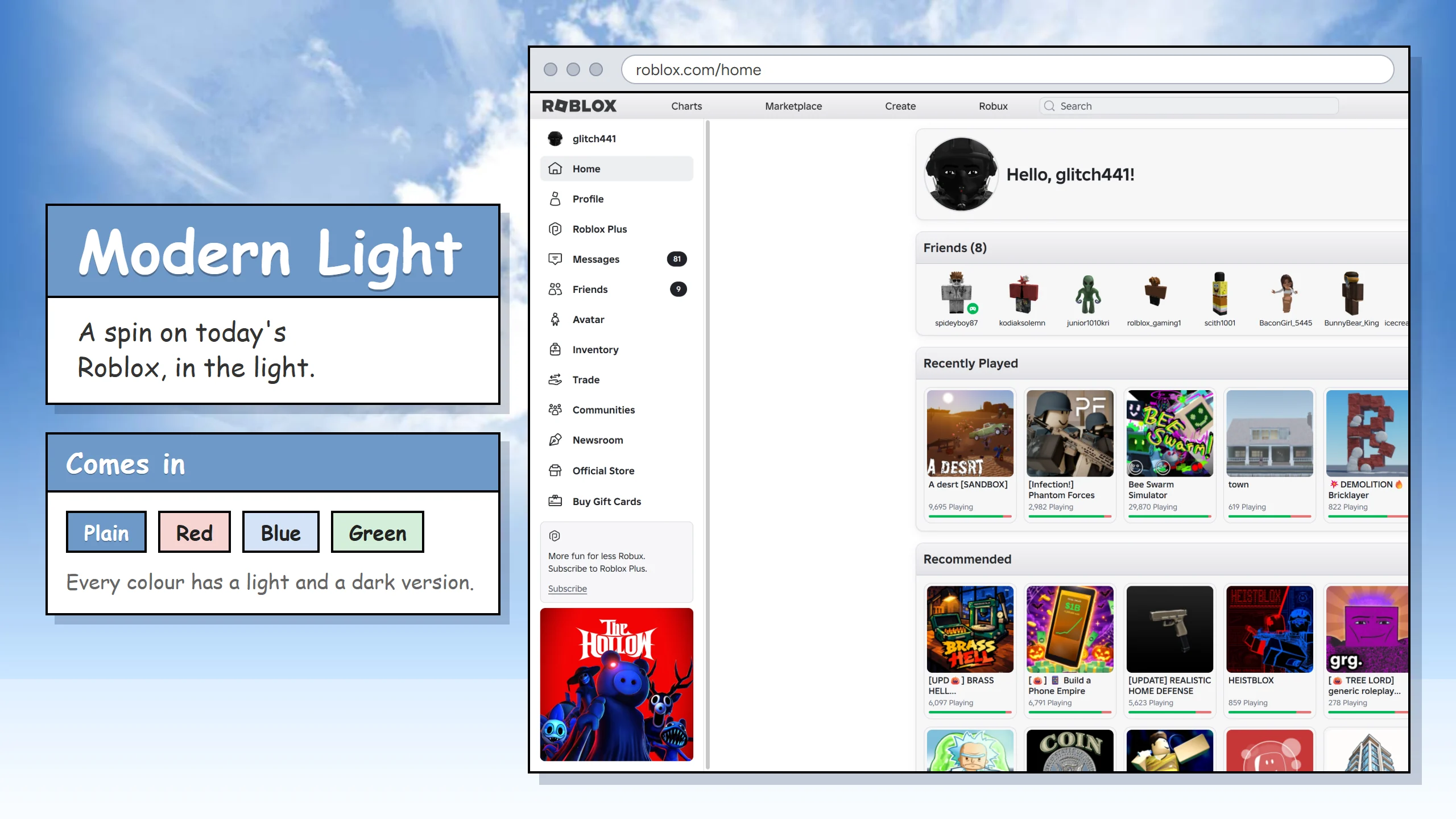
Modern Light 2026
A spin on modern Roblox the RoRetro style.
Ready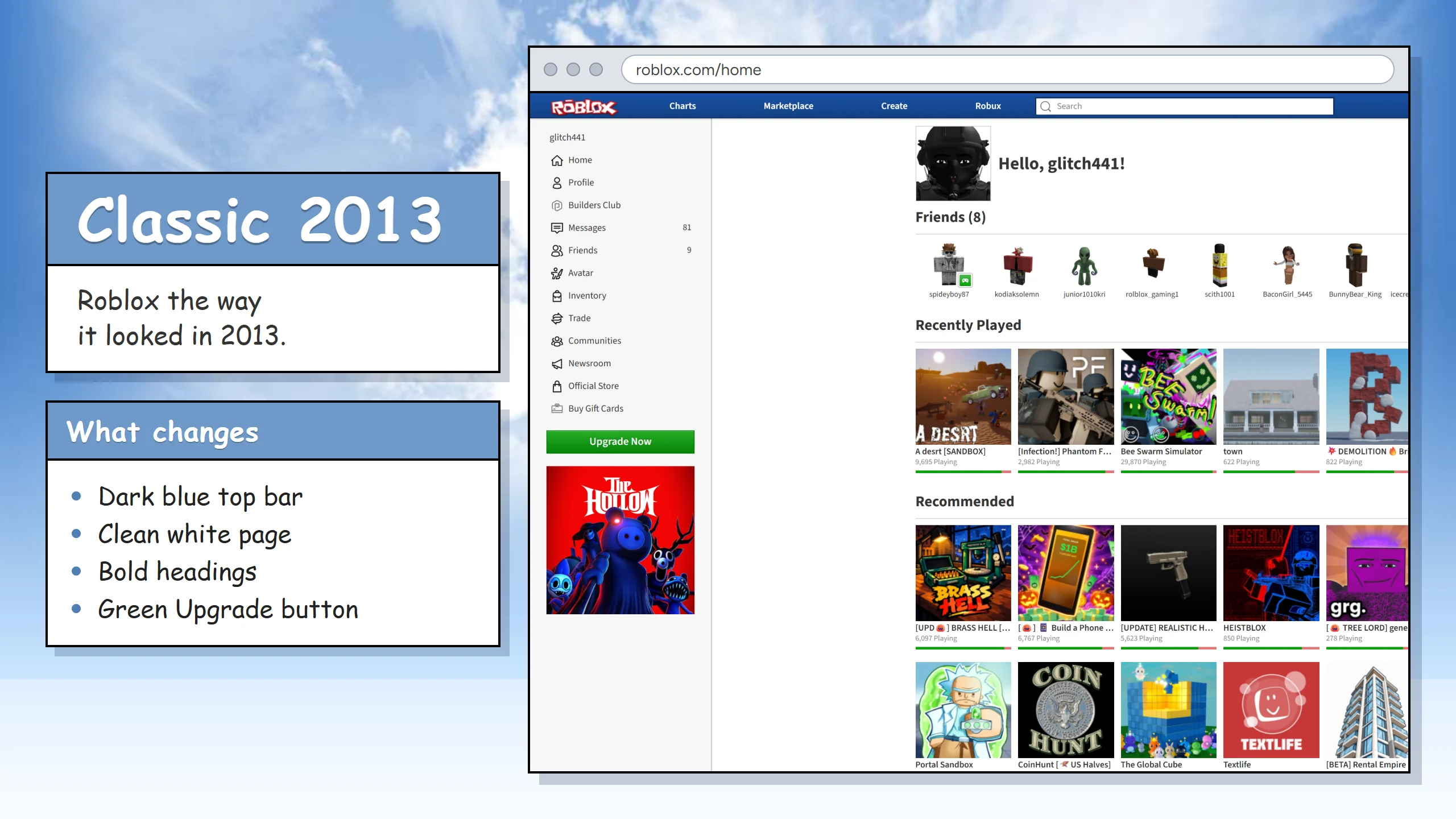
Classic 2013
Roblox the way it looked in 2013.
In progress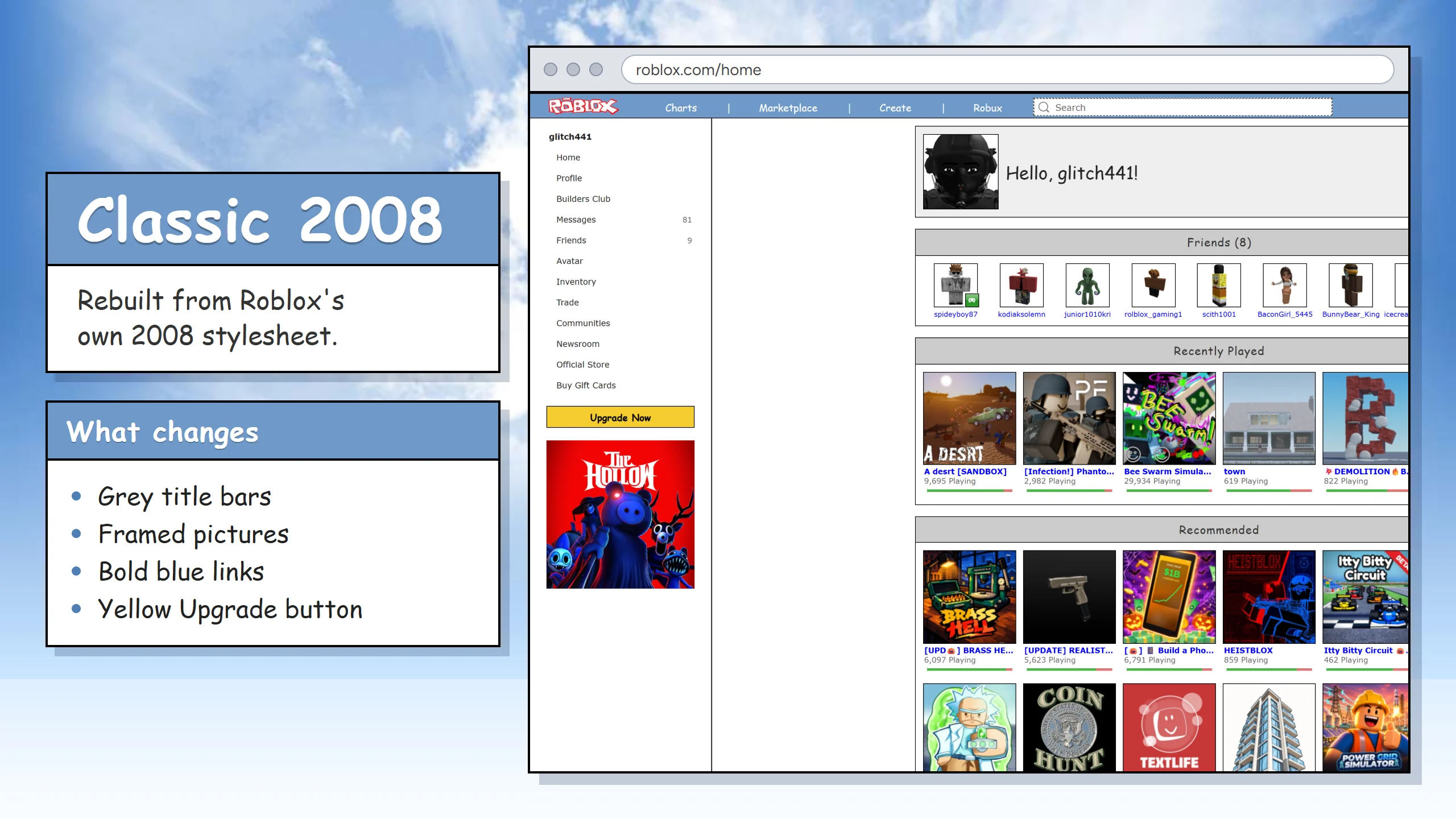
Classic 2008
The earliest look on the list, rebuilt from the original 2008 stylesheet.
In progress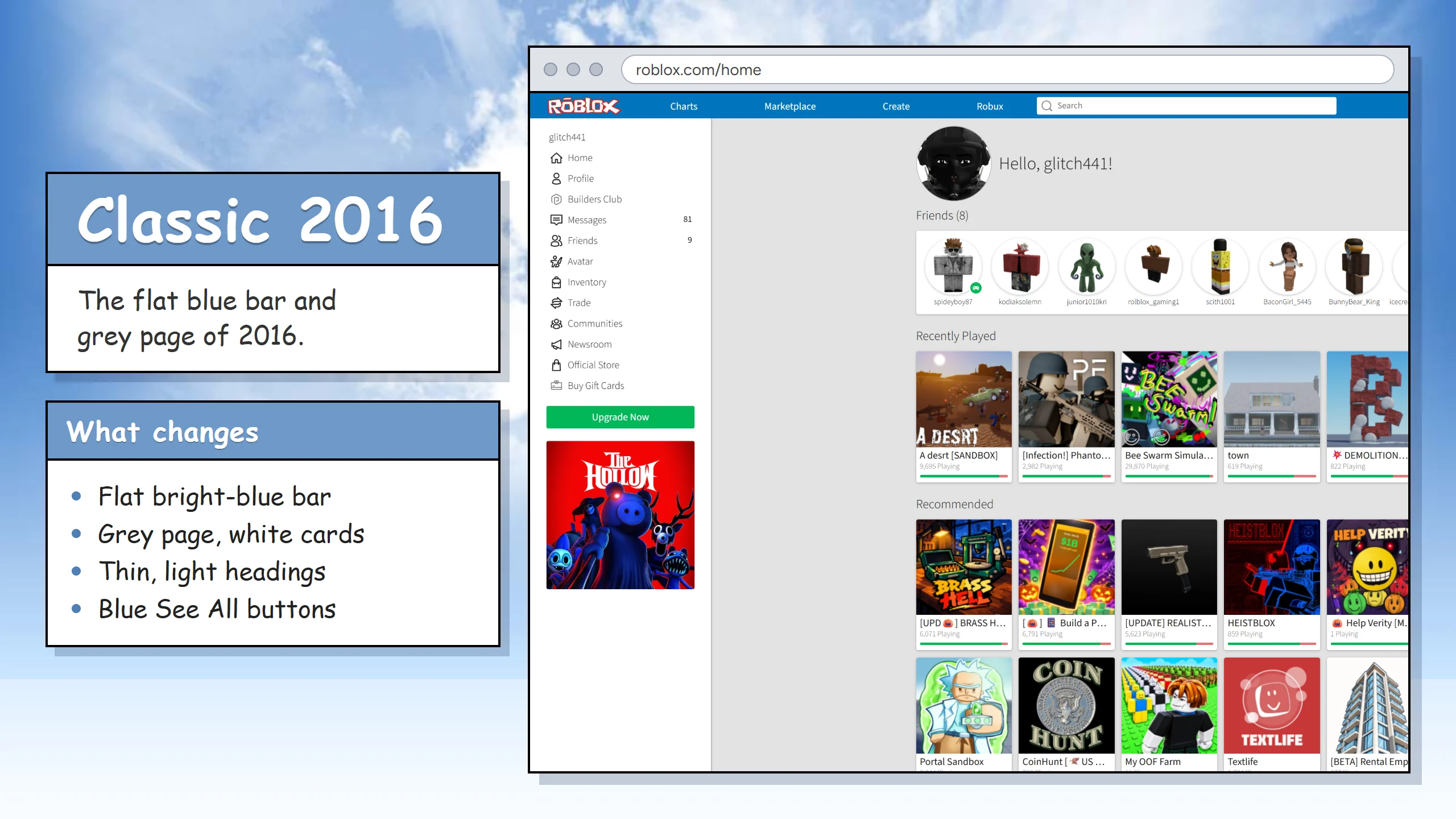
Classic 2016
The flat blue bar, the white sidebar and the grey page: Roblox the way it looked in 2016.
In progress
Team
- AmoOwner & Developer
Testers
People who polish and test the service.
- KôdiăkLead Tester and Writer
- IcecreamTester
- JuniorTester
- Open slotTester


FAQ
What is RoRetro?
A browser extension for the Roblox website that brings back that nice classic look of several time periods.
Is it allowed?
RoRetro only alters the website inside of your own browser just as any other extension, it does not alter or interfere with the Roblox client; we will never ask you for your password or anything personal.
Does it change Roblox for anyone else?
It only alters your perspective, no one else will be affected.
Isn't there an official Classic theme already?
Roblox ran a limited-time Classic theme for its 20th birthday, but it kind of sucks, so that's where we come in!
When can I try it?
At the moment it's still in progress, the only people able to access it are developers and testers, but it will be made public upon completion.
How do I link my Roblox account?
Click the RoRetro button in your browser, press "Link my account", then type the code it shows into the box in the RoRetro Roblox game. No email or password. The tutorial has pictures of every step.
What is a main and an alt?
Your main is the Roblox account you play on most; it becomes your RoRetro account. An alt is any other Roblox account you own. Adding it puts its playtime, likes and trade ads on the same RoRetro account.
Why isn't my playtime counting?
RoRetro counts games while your browser with RoRetro is open on your computer. Check that "Track playtime" is ticked in the popup. Games on a phone or console are only counted while that browser is open.
Follow RoRetro
News, sneak peeks and help from the team.